

Registering a Child for Camp Keff: How to Create a MyPJCC Account
-
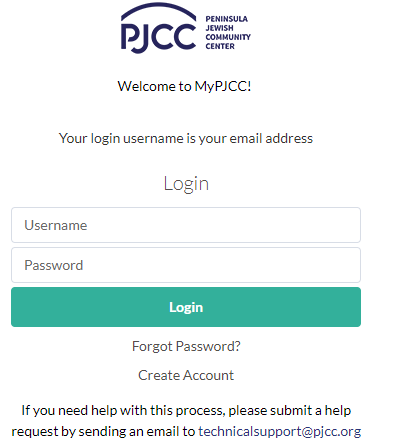
Go to MyPJCC.org
-
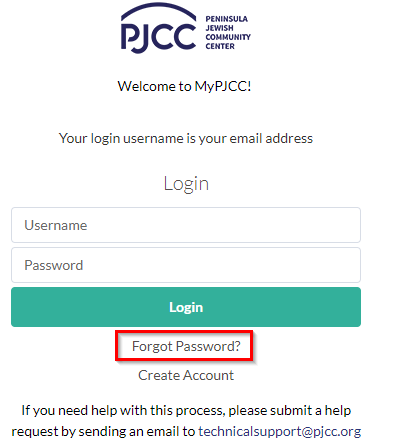
If you have an account, use your login information to access the site. If you forgot your password, click Forgot Password. If you continue to have issues logging in, email technicalsupport@pjcc.org.
-
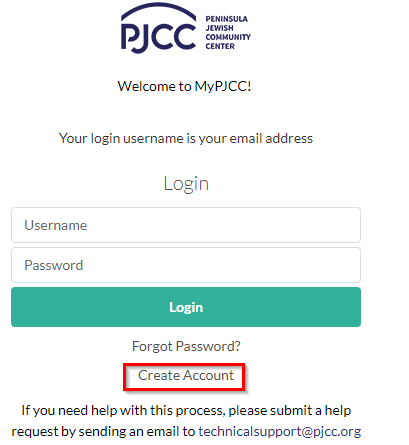
If you need to create an account, click Create Account. Create an account for the adult in the family. You will be able to add the child(ren) to the household after you create a login. Please note that you will not be able to create a login for the child.
-
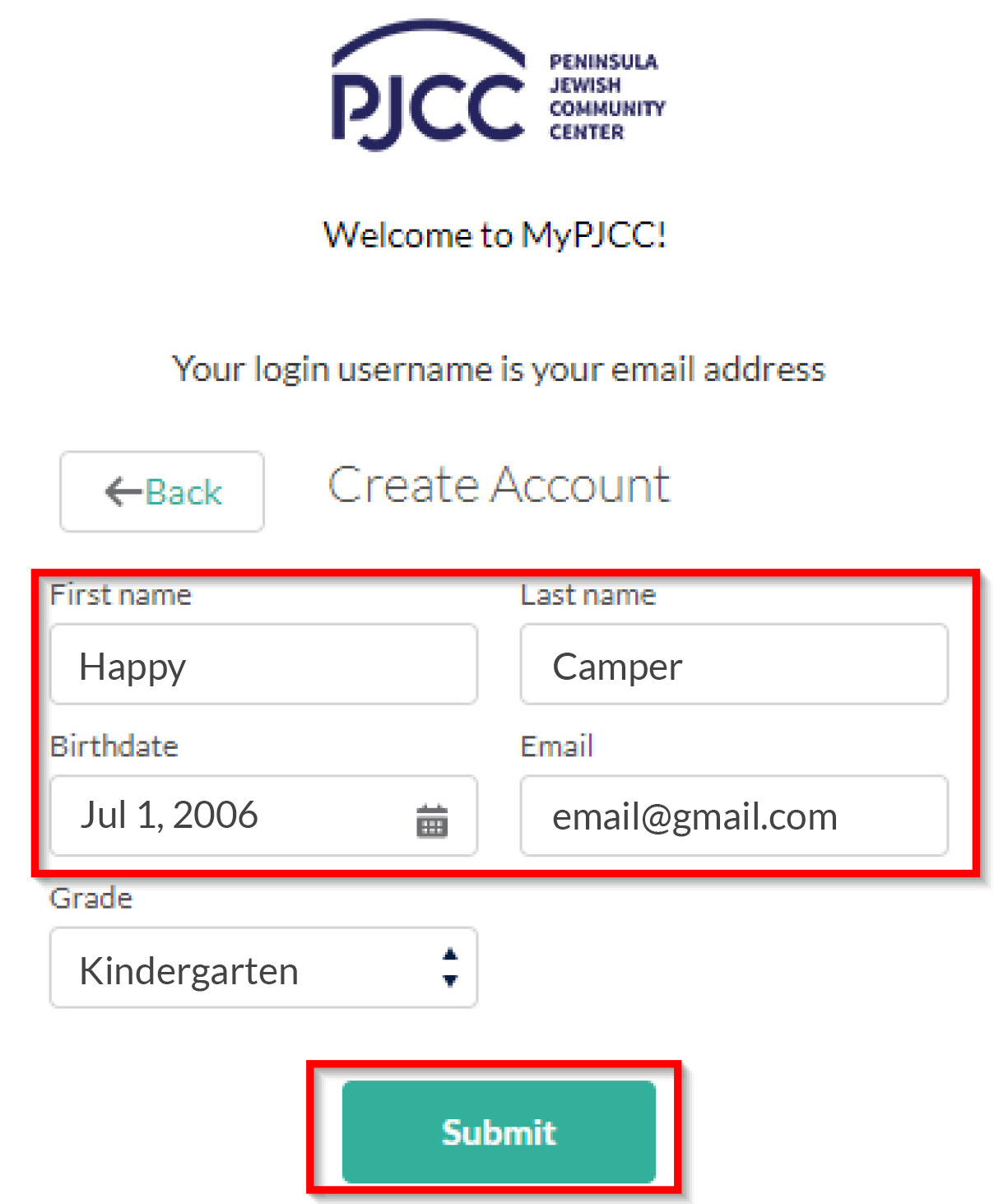
Enter all of the required information and click Submit. Please note that if you already have a login in our system, it will not allow you to create a second login. If you experience this issue, please email technicalsupport@pjcc.org.
-
Once you click Submit, you will receive an email with a link to set up your password.